
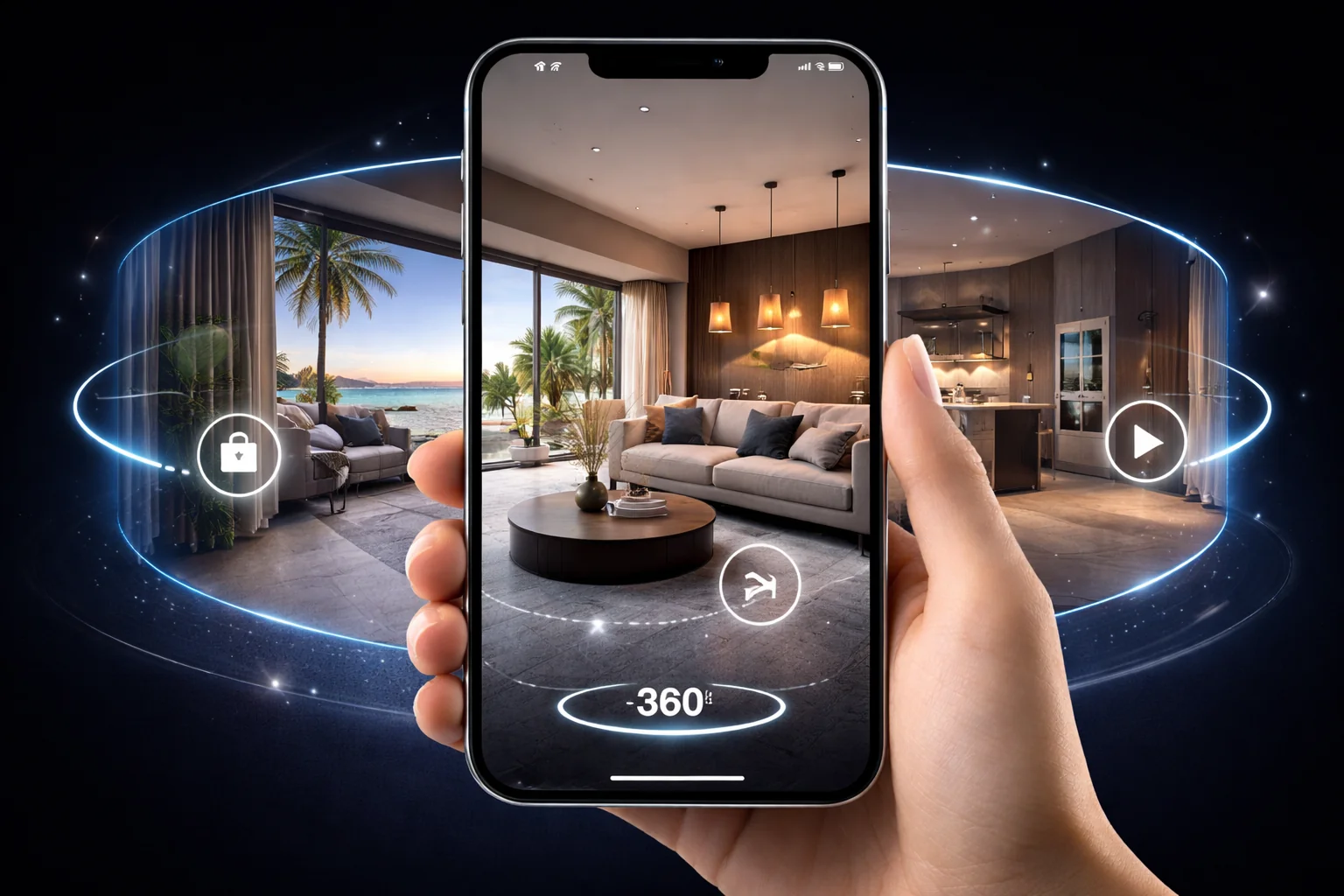
360° Virtual Tours That Turn Browsing Into Enquiries and Bookings
A photo gallery cannot show how a space feels. Visitors scroll through flat images, cannot judge the layout or the scale, and leave without taking the next step. 360° Virtual Tours from Novagates lets them look around your space online, move from room to room and open videos, images and links, all in the browser on desktop or mobile, with no VR headset required. It gives people the confidence to enquire, book or visit.
What Is a 360° Virtual Tour?
A 360° virtual tour is an interactive online experience, built from panoramic images, that lets visitors look around a space in every direction and move through it scene by scene. They can explore on a website, a phone or a VR headset, and open information, images, videos and links attached to points of interest. 360° Virtual Tours is the Novagates 360 degree virtual tour software. It turns 360° panoramic images into immersive virtual tour solutions that you can share as a link or embed in your own website. It suits any business where seeing a space helps people decide, such as real estate, retail, tourism and education.
How 360° Virtual Tour Technology Works
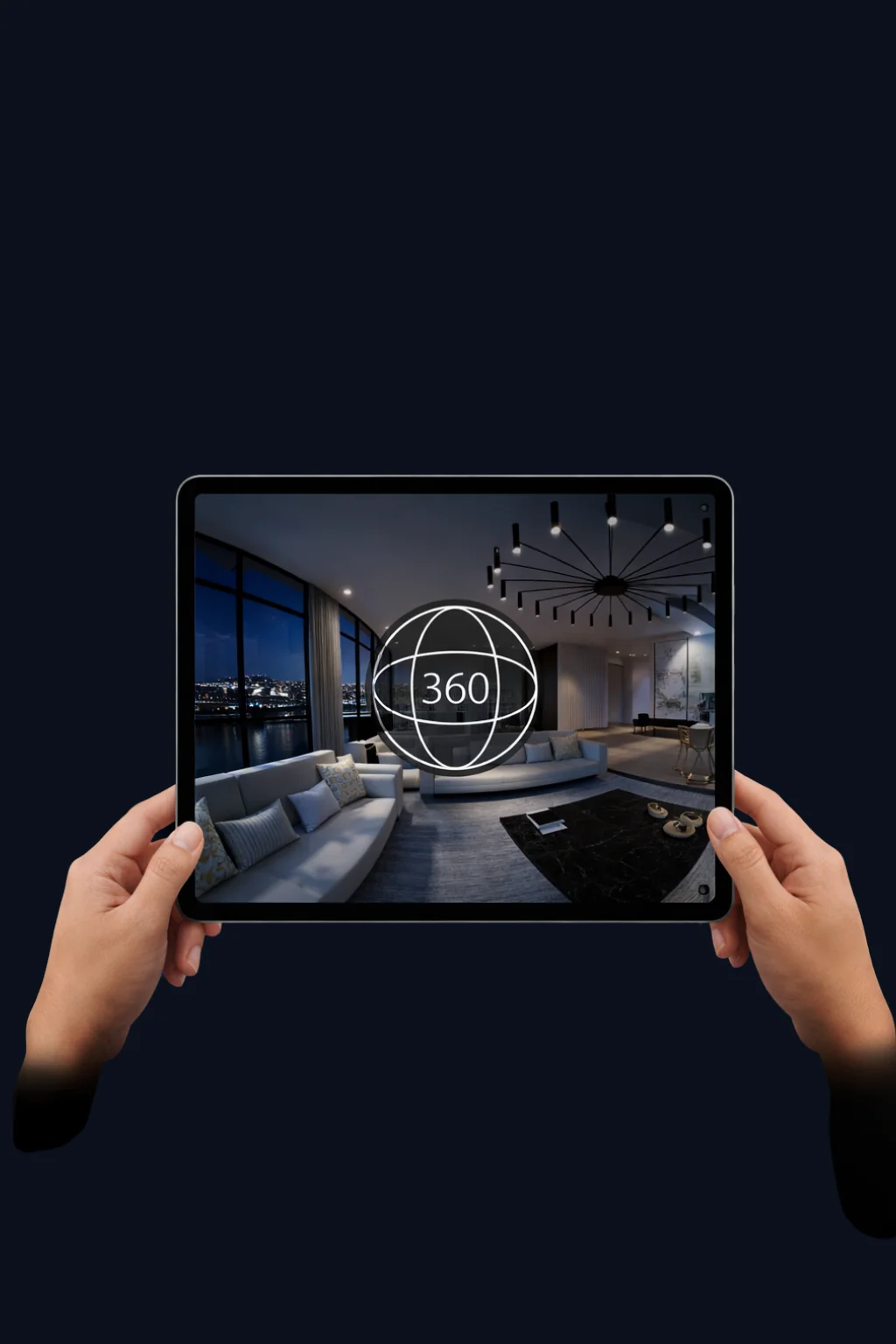
Immersive Panoramic Exploration
High-quality 360° equirectangular images are transformed into navigable virtual environments. Visitors can look around freely, get a sense of depth and understand how a space is laid out.
Interactive Navigation and Scene Linking
Multiple scenes can be connected, so visitors move between rooms or areas through smooth transitions. Navigation menus, floor maps and directional hotspots guide them through the experience.
Hotspots and Embedded Media
Interactive hotspots add context to the tour, including text, images, videos, audio and links. Each point of interest can explain itself without sending the visitor away.
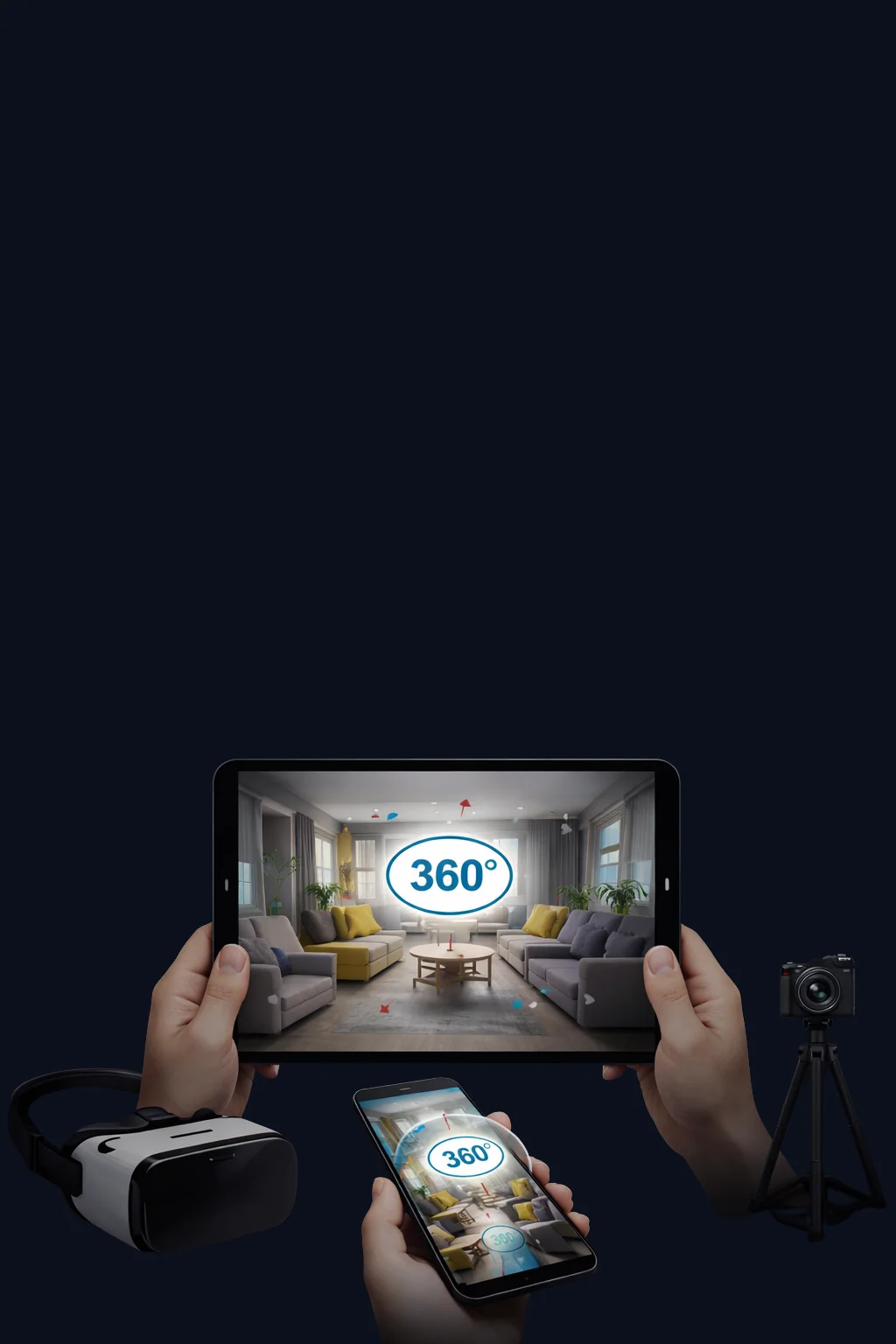
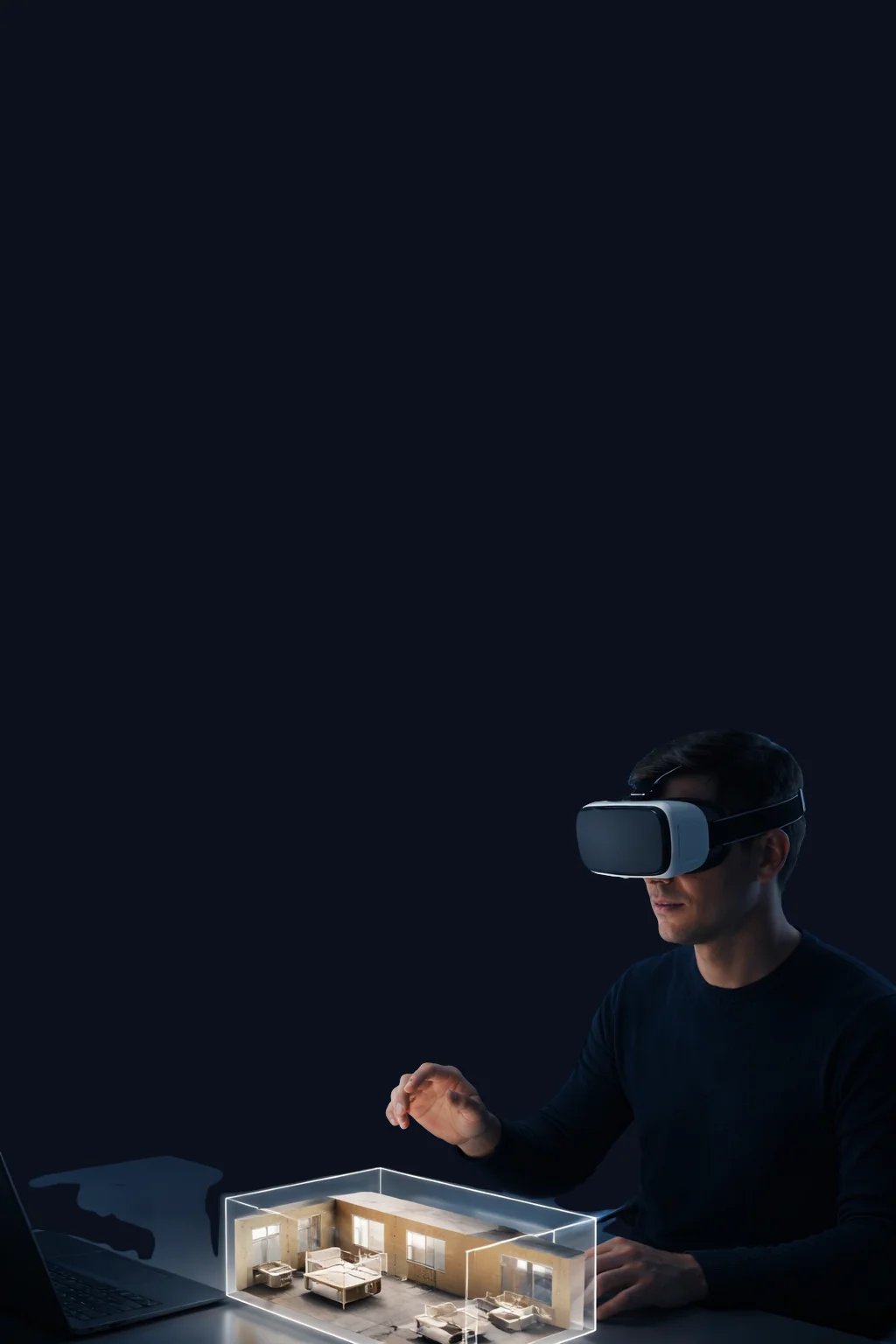
Cross-Platform and VR-Ready
The tour works on desktop, mobile and VR headsets, so visitors can use whichever device they have.
Web-Based and Scalable
The platform is built with modern web technologies such as Three.js and supports dynamic loading for fast performance. Tours can be shared as links or embedded in a website with an iframe.
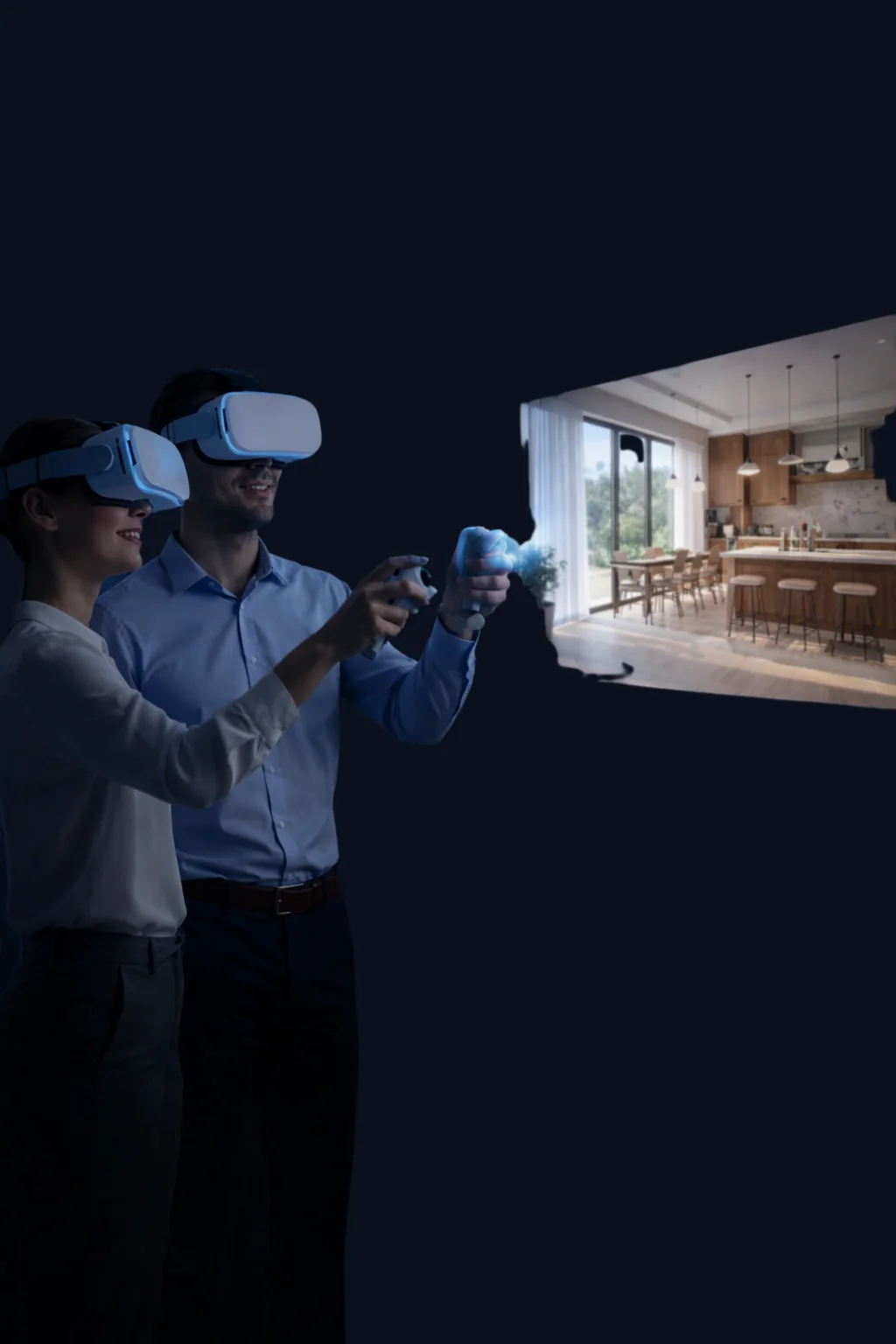
Interactive Environments
Rich Multimedia Content
Informative Journey
Hotspots & Media
Consistent Performance
Across different platforms
Benefits of 360° Virtual Tours for Businesses
For a business, the value of a virtual tour is what happens on the page before a visitor decides to act. Each benefit connects to a step in the path from visitor to enquiry, booking or visit.
1. More Engagement and Time on Page
An interactive tour invites visitors to explore on their own, so they spend more time with your space than they would with a static gallery.
2. Stronger Intent to Act
Visitors who have walked through a space understand it better, which gives them the confidence to enquire, book or request a visit.
3. Fewer Exits at the Decision Point
Questions about layout, size and surroundings are answered on the page, so fewer visitors leave to look for the answer elsewhere.
4. More Informed Enquiries
People who contact you after exploring the tour already know the space, which makes the conversation more focused.
The clearest way to see the effect is to test it on your own website. Show the tour to half of your visitors for four to six weeks and compare the two groups on conversion rate.
How 360° Virtual Tours Improve the Visitor Experience
People want to understand a place before they commit to it. Interactive virtual tours make that possible from anywhere, in three ways.
Explore at Your Own Pace
Visitors choose where to look and where to go next, instead of following a fixed sequence of photos.
Answers on the Spot
Hotspots open text, images, videos, audio and links exactly where visitors have a question, so they do not need to leave the tour for information.
Any Device, No Headset Needed
The tour works in a desktop or mobile browser, and a VR headset is optional for a more immersive view.
The result is an engaging, high-conversion visual shopping experience.
Integrate 360° Virtual Tours Into Your Website
Adding 360° virtual tours to your digital experience takes four steps.
- 01
1. Provide Your Panoramic Images
Start with 360° panoramic images of your space.
- 02
2. Build and Link Your Scenes
Connect your scenes, add a floor map and navigation, and place hotspots with text, images, videos, audio or links.
- 03
3. Publish by Link or Embed
Share the tour as a link or embed it in your website with an iframe, and place a call to action beside it, such as 'Book a viewing' or 'Request a quote'.
- 04
4. Developer Resources and Integration Support
Give your technical team access to SDK documentation and integration tools in the Developer Portal.
Frequently Asked Questions
Can 360° virtual tours be embedded into a website?
Yes. A tour can be shared as a link or embedded in a website with an iframe, so visitors can explore it without leaving your page.
Are 360° virtual tours compatible with mobile devices?
Yes. Tours work in desktop and mobile browsers, and on VR headsets, so visitors can explore on the device they already have.
Can users navigate between multiple rooms or locations?
Yes. Multiple scenes can be connected, so visitors move between rooms or areas through smooth transitions, using navigation menus, floor maps and directional hotspots.
Can interactive hotspots include videos, images, and links?
Yes. Hotspots can carry text, images, videos, audio and links, so each point of interest can explain itself without sending the visitor away from the tour.
Do 360° virtual tours require a VR headset?
No. A VR headset is optional. Visitors can explore a 360° virtual tour in a desktop or mobile browser, and use a headset for a more immersive view if they have one.
Which industries can benefit from 360° virtual tours?
Industries where seeing a space helps people decide benefit the most, such as real estate, retail, tourism and hospitality, and education.
How can businesses integrate 360° virtual tours into their digital experiences?
Businesses publish a tour as a shareable link or embed it in a page, then connect it to the next step in their journey, such as a button to book a viewing, request a quote or contact sales. Developers can find documentation in the Developer Portal.